Today's task was simple, try to solve every single 5min challenges on TryHackMe. So I started with W1seGuy.
Today's task was simple, try to solve every single 5min challenges on TryHackMe. So I started with W1seGuy.
1. W1seGuy
This was our first 5 minute CTF challenges on TryHackMe. The goal was to find two flags.
By the nature, I started with nmap scan to indentify open ports.
┌──vemacitrind㉿vemacitrind-[~/Documents/TryHackMe/W1seGuy]
└─$ nmap -sVC -p 22,1337 10.48.143.77
Starting Nmap 7.95 ( https://nmap.org ) at 2026-01-28 14:07 IST
Nmap scan report for 10.48.143.77
Host is up (0.14s latency).

PORT     STATE SERVICE VERSION
22/tcp   open  ssh     OpenSSH 8.2p1 Ubuntu 4ubuntu0.13 (Ubuntu Linux; protocol 2.0)
| ssh-hostkey:
|   3072 77:7e:4d:32:15:25:bd:9b:0f:97:bf:4f:b8:24:25:db (RSA)
|   256 d0:a2:92:3c:16:92:03:b0:5c:ad:e3:e3:88:ab:78:2f (ECDSA)
|_  256 7d:15:cf:75:7a:c6:85:13:f7:b9:74:3a:70:96:4b:f6 (ED25519)
1337/tcp open  waste?
| fingerprint-strings:
|   DNSStatusRequestTCP:
|     This XOR encoded text has flag 1: 302a0a113355032b0437211a332b371056240120250c355922082e3e021616163e5a36161a08183e
|     What is the encryption key? No way you got it! Here is your flag THM{Try_Again} :)
|   DNSVersionBindReqTCP:
|     This XOR encoded text has flag 1: 1d2a3a4c4378031b59470c1a0376473d56145c50080c050452252e0e5f663b160e07463b1a38454e
|     What is the encryption key? Nope nope nope
|   GenericLines:
|     This XOR encoded text has flag 1: 3203183527572a3920232333210f23127f3625342725277d360a072c2602143f2c7e2214331a3c2a
|     What is the encryption key? Nope nope nope
|   GetRequest:
|     This XOR encoded text has flag 1: 6724262108020d07340c76141f1b0c475808311b72021969195f2012322d4118126a0d4114242805
|     What is the encryption key? Close but no cigar
|   HTTPOptions:
|     This XOR encoded text has flag 1: 020b090f486722281a4c133b30354c2277271f5b172d3647593a0f3d1c6d24373d444d243b0b0645
|     What is the encryption key? No way you got it! Here is your flag THM{Try_Again} :)
|   Help:
|     This XOR encoded text has flag 1: 1f1f782b427a36593e460e2f4111463f63563b510a39476353271b4c386739234c6047392f7a224f
|     What is the encryption key? Nope nope nope
|   NULL:
|     This XOR encoded text has flag 1: 3203183527572a3920232333210f23127f3625342725277d360a072c2602143f2c7e2214331a3c2a
|     What is the encryption key?
|   RPCCheck:
|     This XOR encoded text has flag 1: 1b7e2f38147e570e2d100a4e1602103b020128070e58107005237a1b2b313d421b73113d4e2d3119
|     What is the encryption key?
|   RTSPRequest:
|     This XOR encoded text has flag 1: 3a0b3b341f5f221a211b2b3b020e1b1a7715240c2f2d047c0e020f0f273a1c370f7f1a1c3b393d12
|_    What is the encryption key? Nope nope nope
All the responses from port 1337 says "Nope nope nope" or "Try Again" seems like someone is trolling. Anyway, I download attacment file and open it.
import random
import socketserver
import socket, os
import string

flag = open('flag.txt','r').read().strip()

def send_message(server, message):
    enc = message.encode()
    server.send(enc)

def setup(server, key):
    flag = 'THM{thisisafakeflag}'
    xored = ""

    for i in range(0,len(flag)):
        xored += chr(ord(flag[i]) ^ ord(key[i%len(key)]))

    hex_encoded = xored.encode().hex()
    return hex_encoded

def start(server):
    res = ''.join(random.choices(string.ascii_letters + string.digits, k=5))
    key = str(res)
    hex_encoded = setup(server, key)
    send_message(server, "This XOR encoded text has flag 1: " + hex_encoded + "")

    send_message(server,"What is the encryption key? ")
    key_answer = server.recv(4096).decode().strip()

    try:
        if key_answer == key:
            send_message(server, "Congrats! That is the correct key! Here is flag 2: " + flag + "")
            server.close()
        else:
            send_message(server, 'Close but no cigar' + "")
            server.close()
    except:
        send_message(server, "Something went wrong. Please try again. :)")
        server.close()

class RequestHandler(socketserver.BaseRequestHandler):
    def handle(self):
        start(self.request)

if __name__ == '__main__':
    socketserver.ThreadingTCPServer.allow_reuse_address = True
    server = socketserver.ThreadingTCPServer(('0.0.0.0', 1337), RequestHandler)
    server.serve_forever()
The code is a simple TCP server that generates a random key length of 5 characters and XORs it with a flag string to produce and encoded hex message. So, I write a Python script to decode the hex message.
code = '0321260f176608071a1312111f3513235d081f0416071947063b25121c32251d124412251124061a'
key = ''
starting = 'THM{'
ending = '}'
bytes = bytes.fromhex(code)

for i in range(len(starting)):
    key += chr(bytes[i] ^ ord(starting[i]))

for i in range(len(ending)):
    key += chr(bytes[len(bytes) - len(ending) + i] ^ ord(ending[i]))

key = key[0:5]
print("Derived key:", key)

decrypted = ''
for i in range(len(bytes)):
    decrypted += chr(bytes[i] ^ ord(key[i % len(key)]))

print("Decrypted message:", decrypted)

┌──vemacitrind㉿vemacitrind-[~/Documents/TryHackMe/W1seGuy]
└─$ python py.py
Derived key: Wiktg
Decrypted message: THM{flag1}
After running the script, I got the key as Wiktg and the decrypted message as
THM{WhatAreYouLookingAtReadNext}.
And then...
┌──vemacitrind㉿vemacitrind-[~/Documents/TryHackMe/W1seGuy]
└─$ nc 10.48.143.77 1337
This XOR encoded text has flag 1: 0321260f176608071a1312111f3513235d081f0416071947063b25121c32251d124412251124061a
What is the encryption key? Wiktg
Congrats! That is the correct key! Here is flag 2: THM{flag2}
2. Corridor
This was takes only 2 minutes to solve. First I visited the webpage.
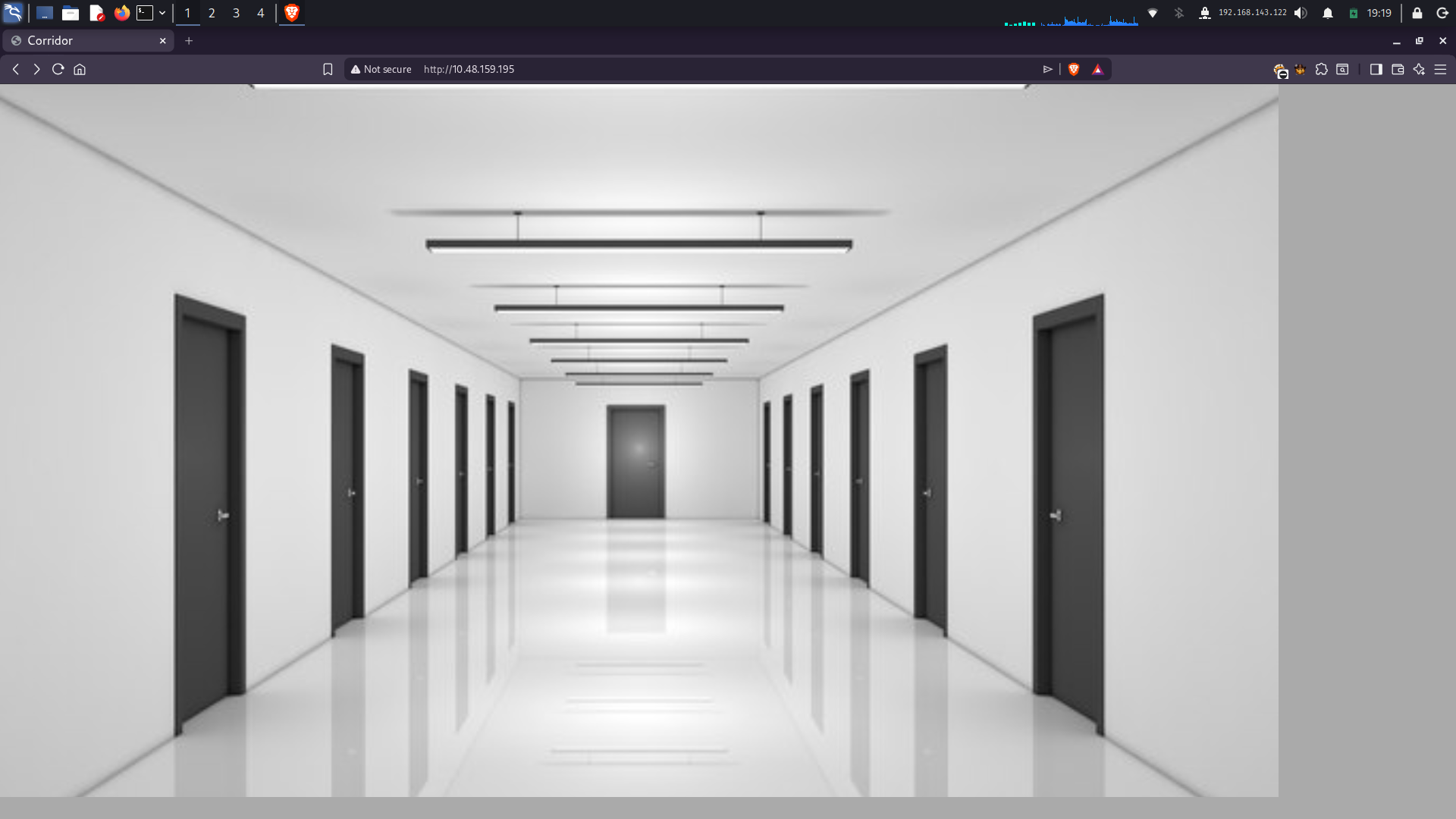
That background image has css mapping. So when ever click on doors it's redirecting to me to that room.
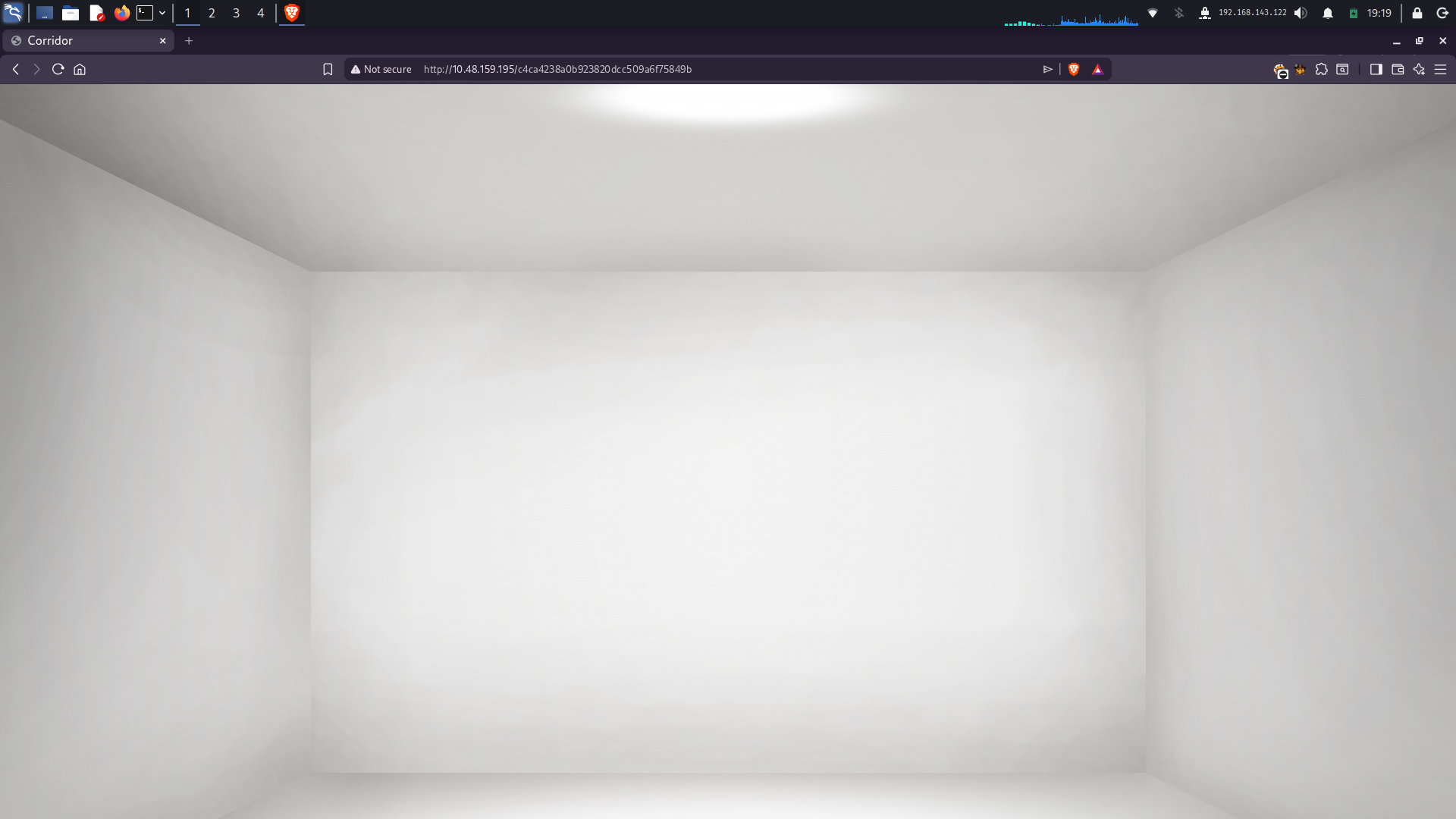
By observing the urls, I noticed a pattern and to clearify it I directly visit crackstation website.
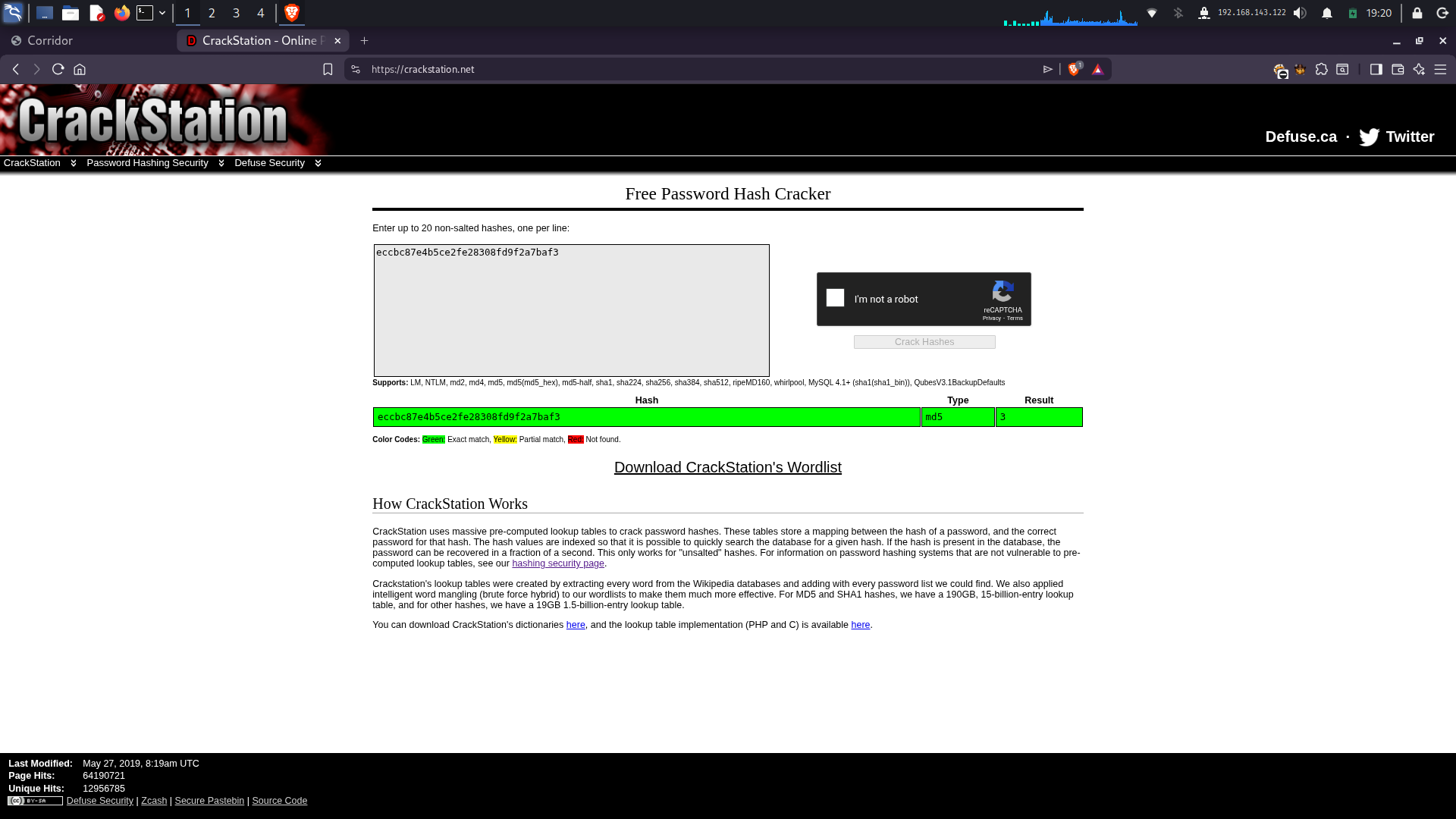
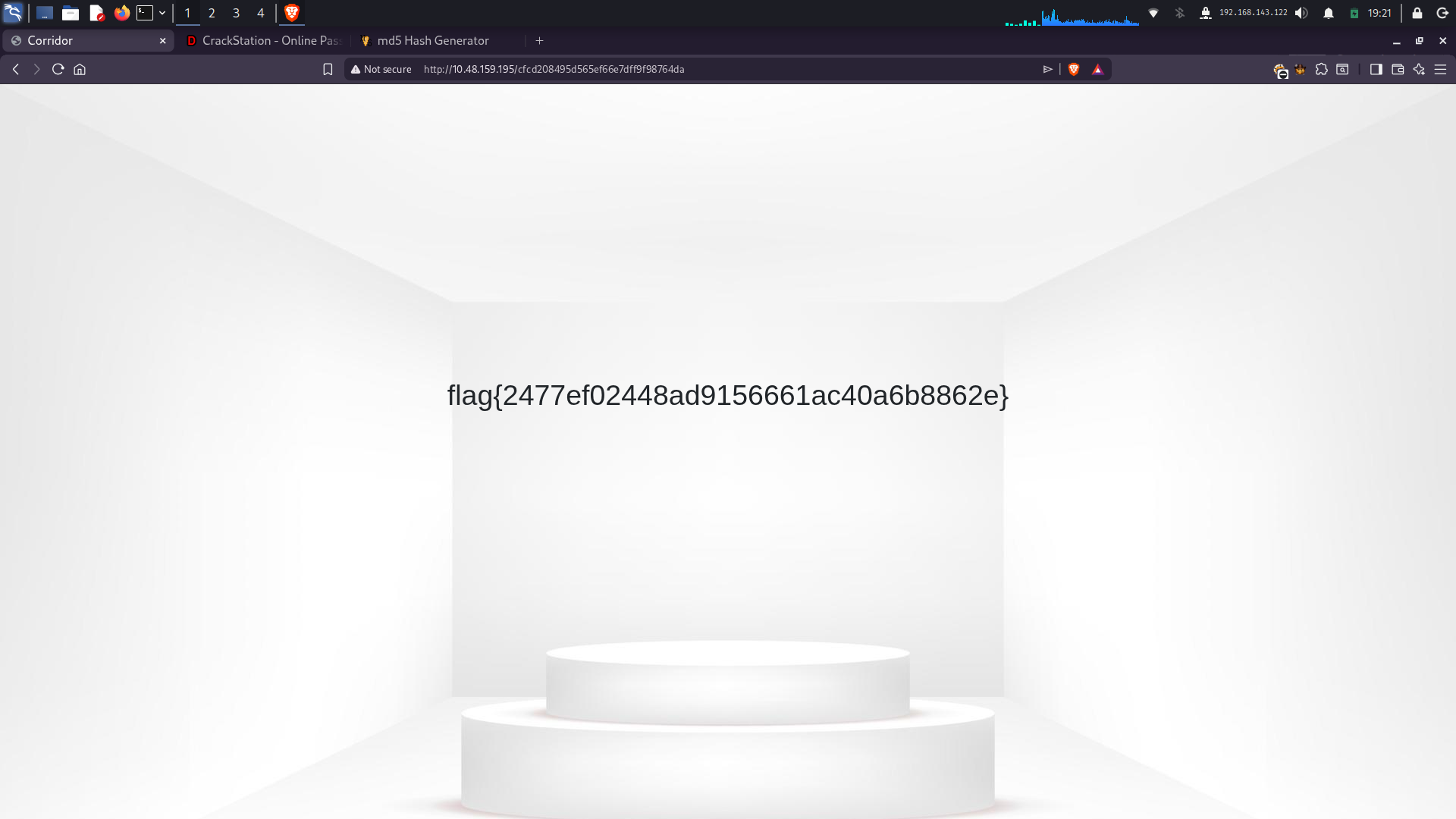
It was md5 hash of the room number. So I just want to do is calculate md5 hash of 0 and put that into url and ...
3. Neighbour
I solve this one under 1 miniute. First, I visited the webpage first.
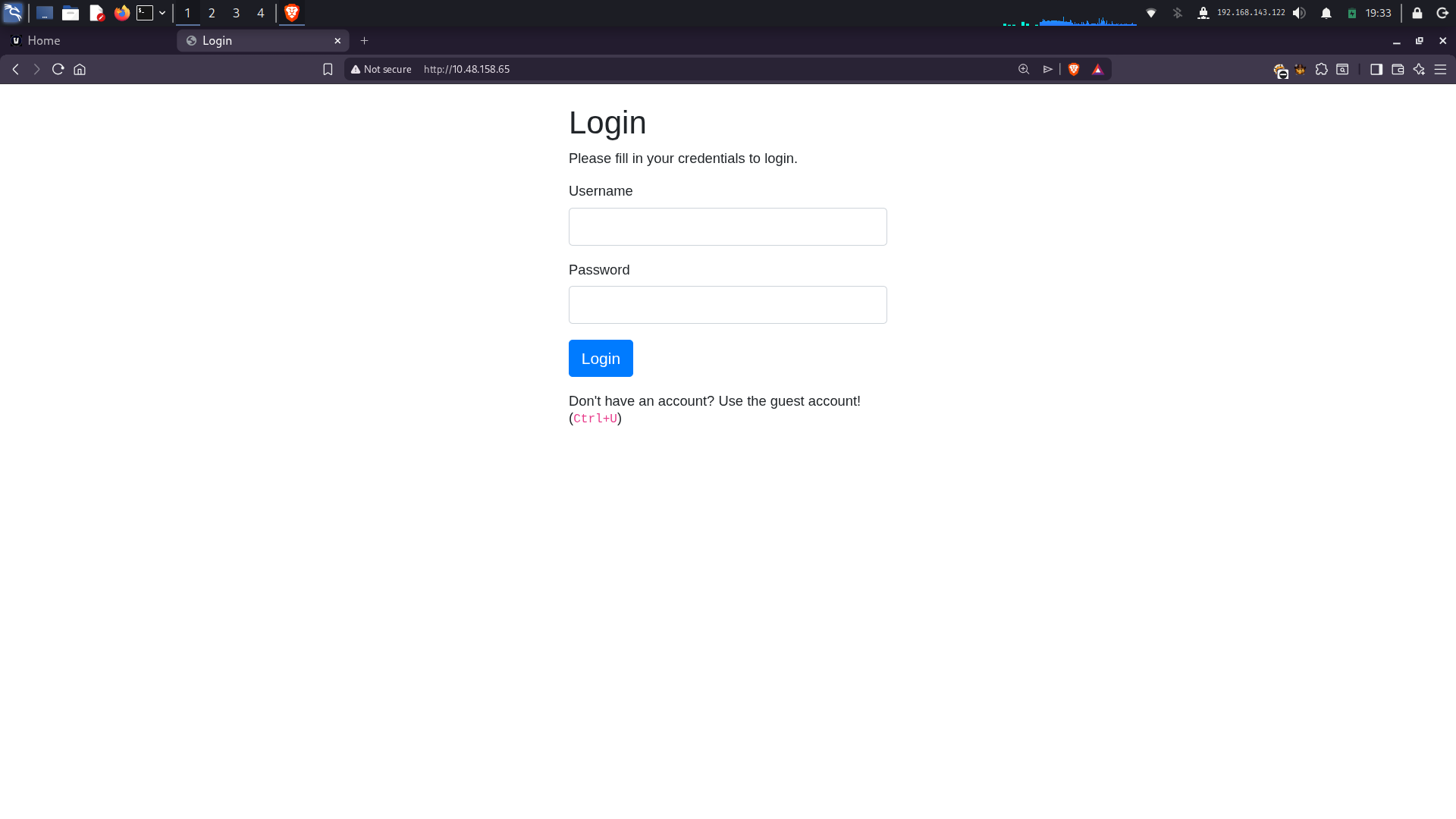
I visit the page source and found defualt credentials guest:guest. Using those credentials I logged in and notice the url:
http://10.48.158.65/profile.php?user=guestI changed the user parameter to admin and got the flag.
4. Lo-Fi
This was also a quick one. First I visited the webpage.
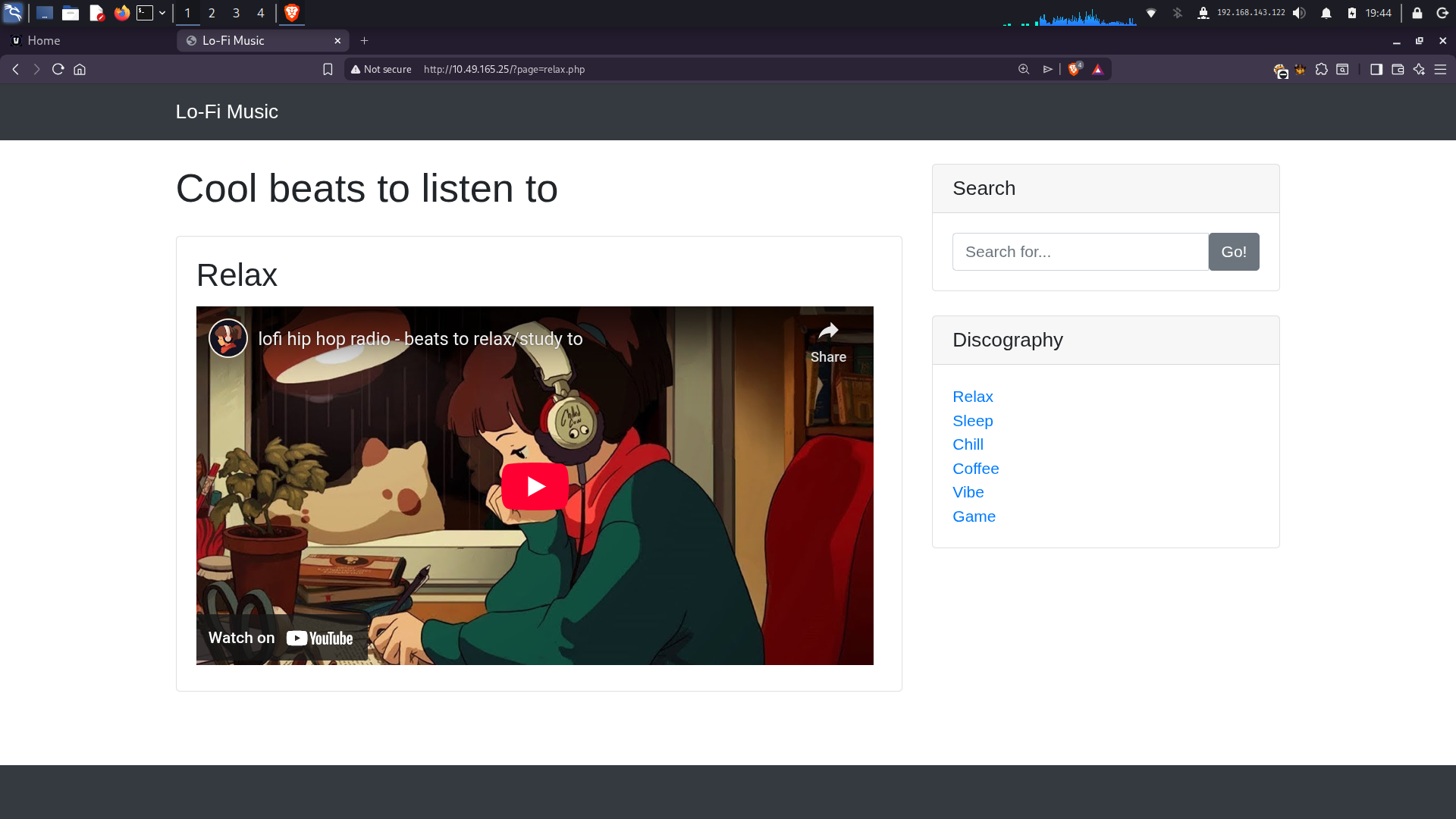
Again by looking at url i understood i had to use LFI traversal to get the flag. So I used method to find /etc/passwd first by adding bunch of ../ in url. And once I found /etc/passwd. I just replaced that with /root/flag.txt and got the flag.
There are 4 more challenges left. But I will leave it for next blog post. Stay tuned!