This is Probably one of easiest CTF challenges on TryHackMe. But again, it's a good exercise for beginners practiceing their skills.
This is Probably one of easiest CTF challenges on TryHackMe. But again, it's a good exercise for beginners practiceing their skills.
Just like always, I started with an Nmap scan to identify open ports and services running on the target machine.
┌──vemacitrind㉿vemacitrind-[~/Documents/TryHackMe/PickleRick]
└─$ nmap -sS -T4 -n 10.48.168.199

Starting Nmap 7.95 ( https://nmap.org ) at 2026-01-16 14:39 IST
Nmap scan report for 10.48.168.199
Host is up (0.094s latency).
Not shown: 998 closed tcp ports (reset)

PORT   STATE SERVICE
22/tcp open  ssh
80/tcp open  http

Nmap done: 1 IP address (1 host up) scanned in 2.50 seconds
I just ignored the SSH because as long as we don't have any credentials, we can't do much with it. So I moved to port 80, which is hosting a web application.
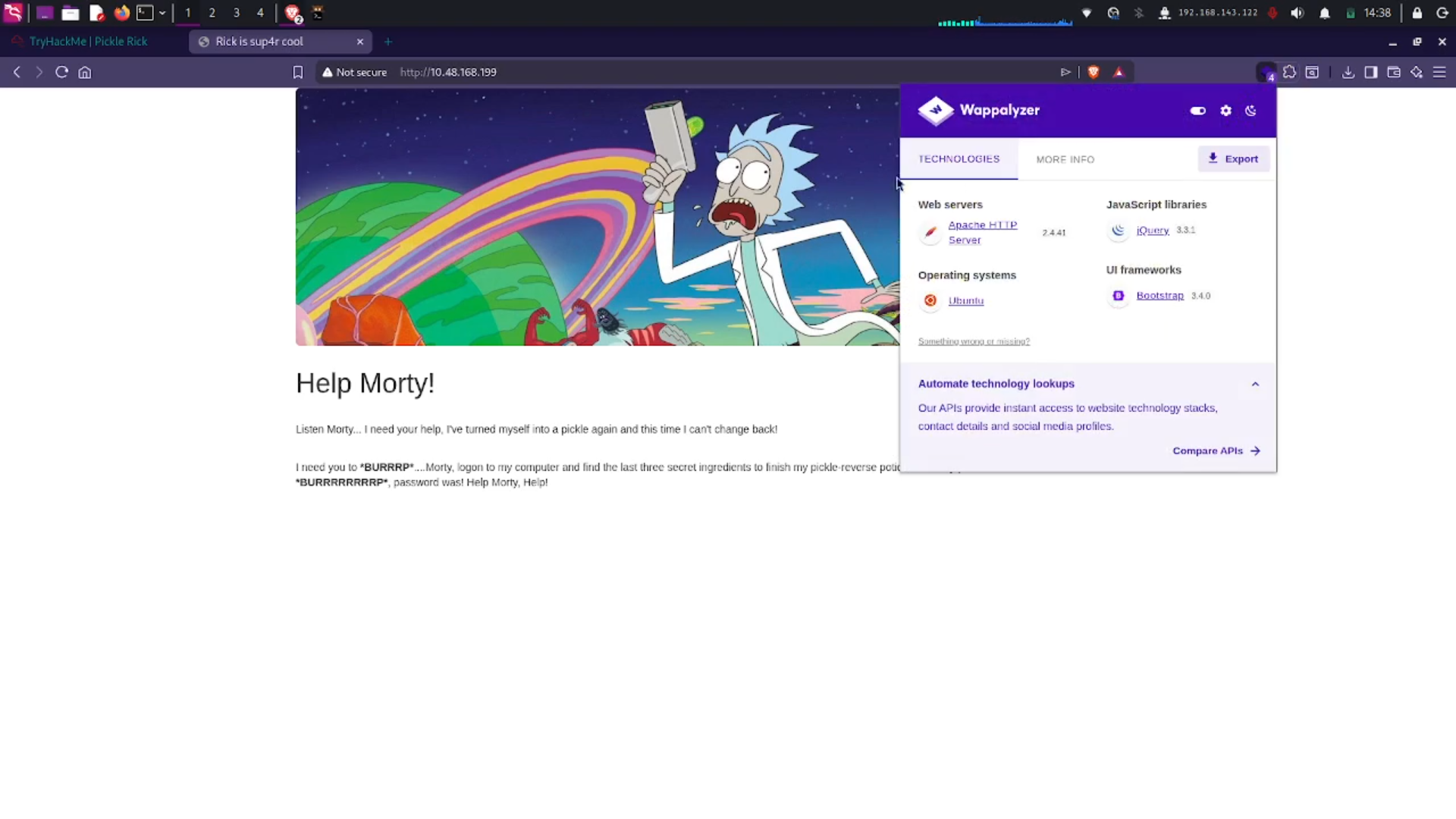
I found it running Apache HTTP Server 2.4.41. Since this was an easy challenge, I thought there must be some known vulnerabilities. After a quick search, I found nothing useful. So I decided to enumerate the web application further using ffuf.
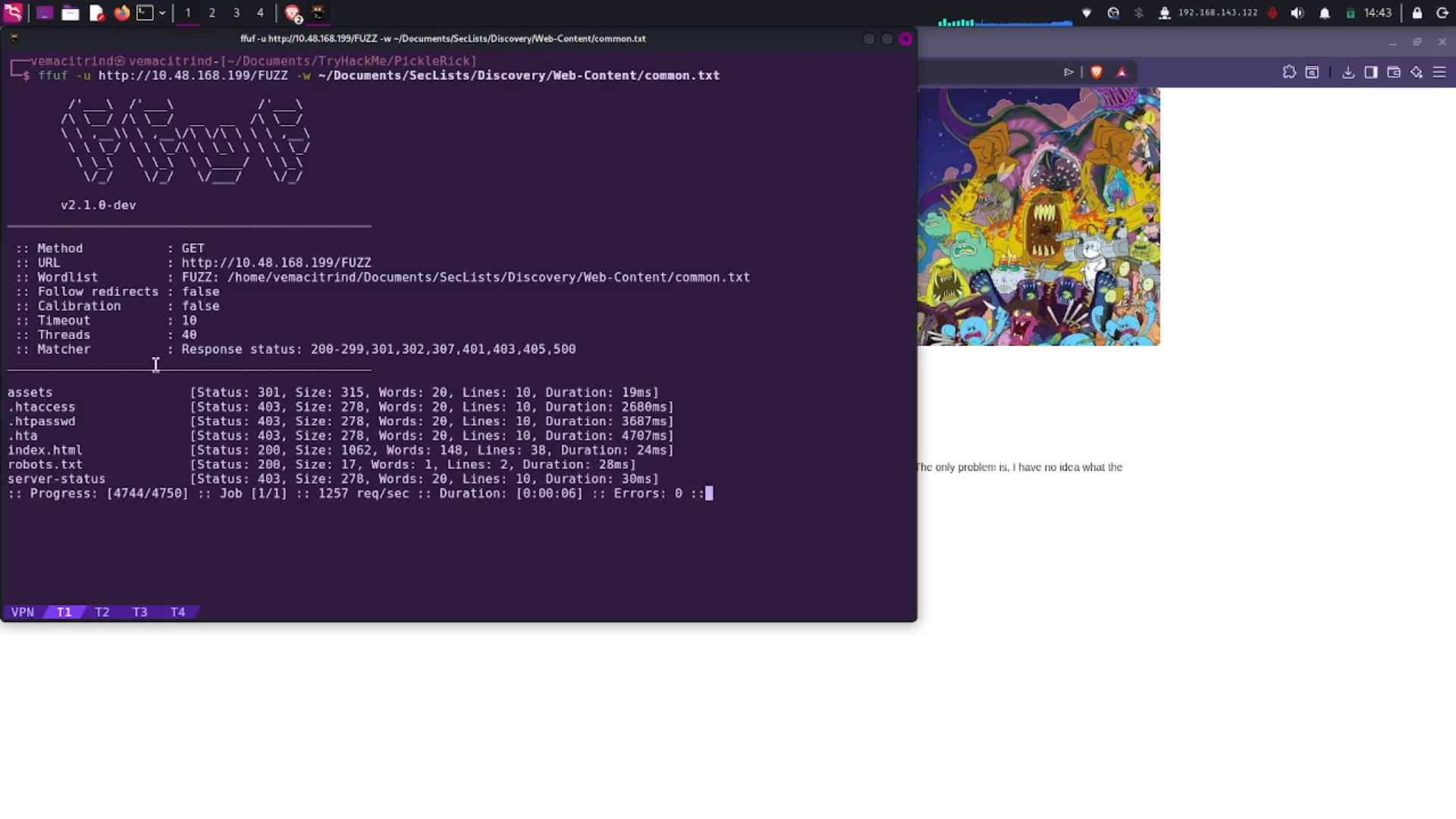
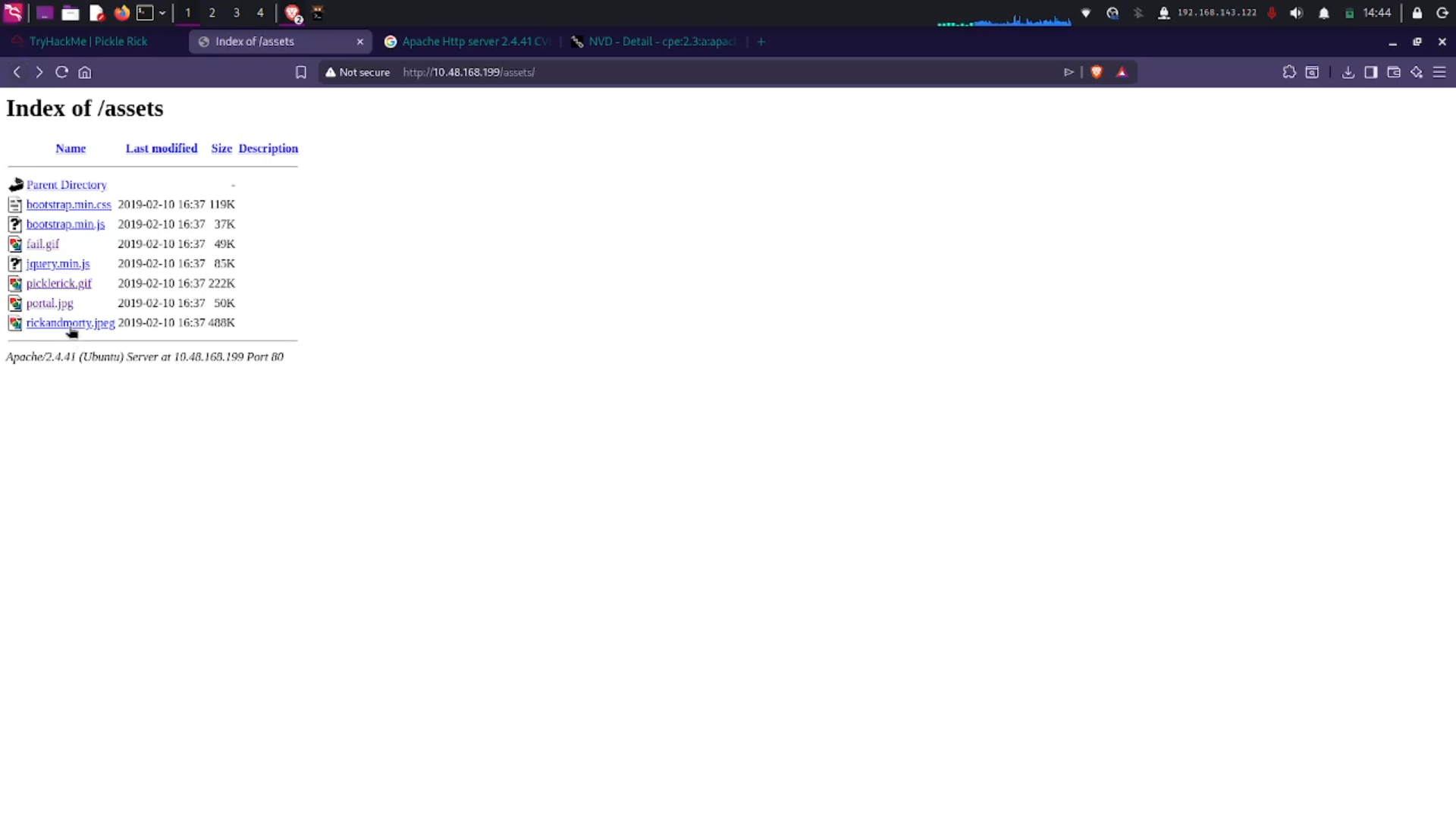
I found an assets directory containing a bunch of photos and .gif files. Nothing useful there.
While trying to find something interesting, I found a username in the source code.
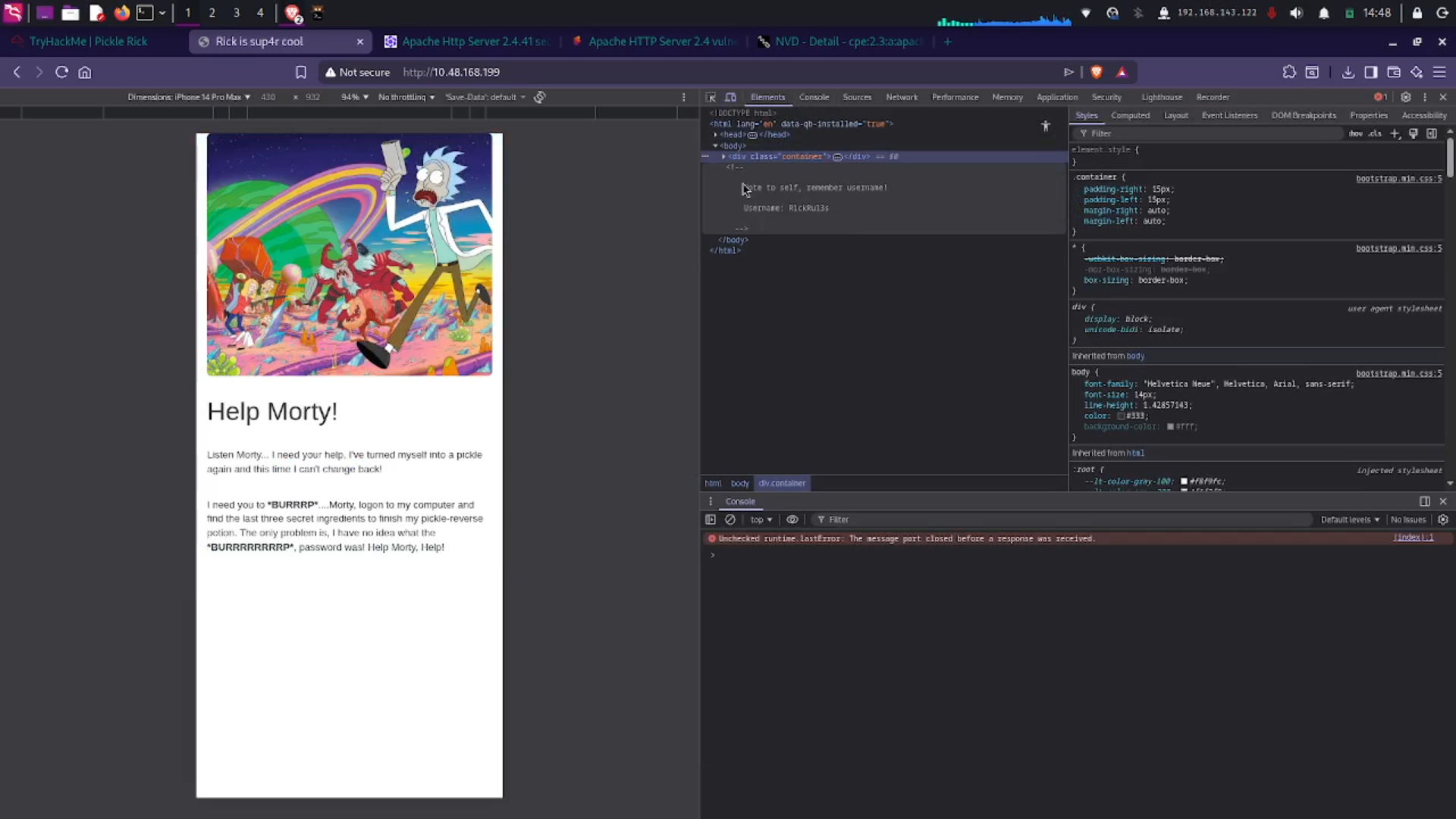
So now I had a username but no password. While exploring further, I visited robots.txt and found something like:
Wubbalubbadubdub
As a Rick and Morty fan, I knew it was probably a password. I tried to log in using SSH, but it didn’t work.
Then I remembered the assets directory. There were multiple images, but none of them were used anywhere on the website. That meant there must be some place where these images were being used.
I tried every imageName.php combination, and finally I found one.
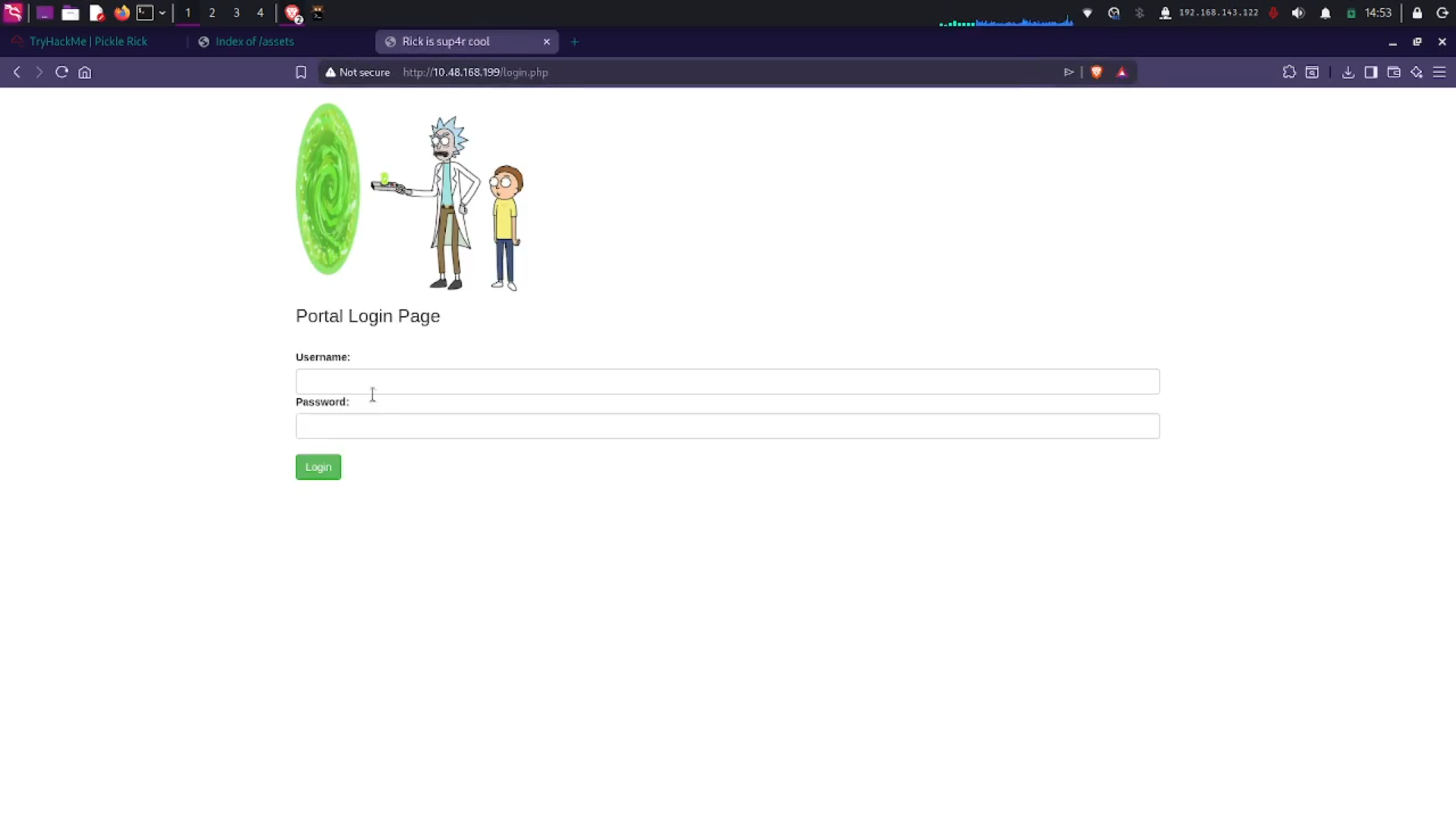
I found a login page. After logging in with the above credentials, I was in.
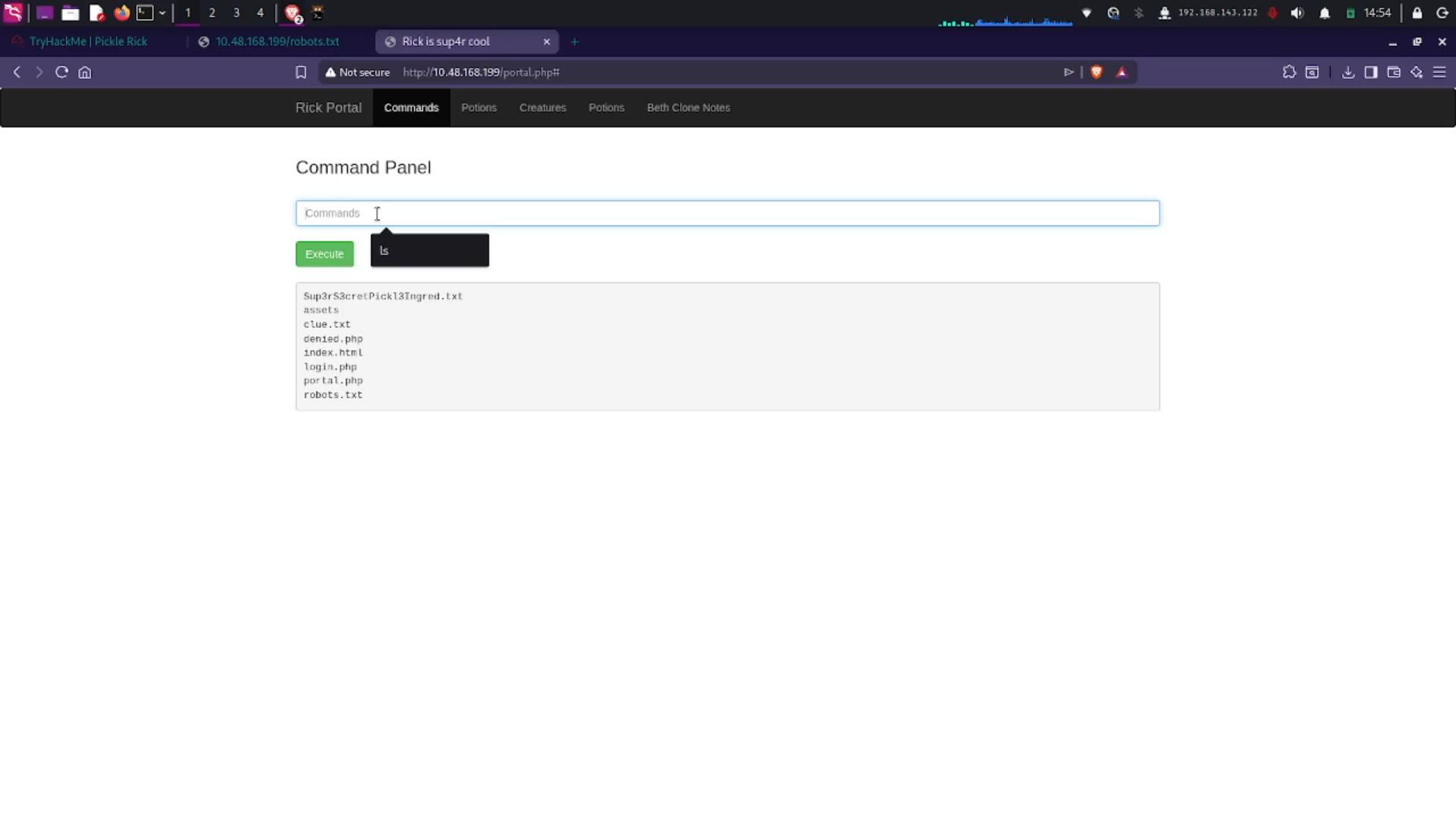
There was a command panel, so I tried running ls — and it worked. I found a file named:
Sup3rS3cretPickl3Ingred.txt
I tried reading it using cat, and this happened.
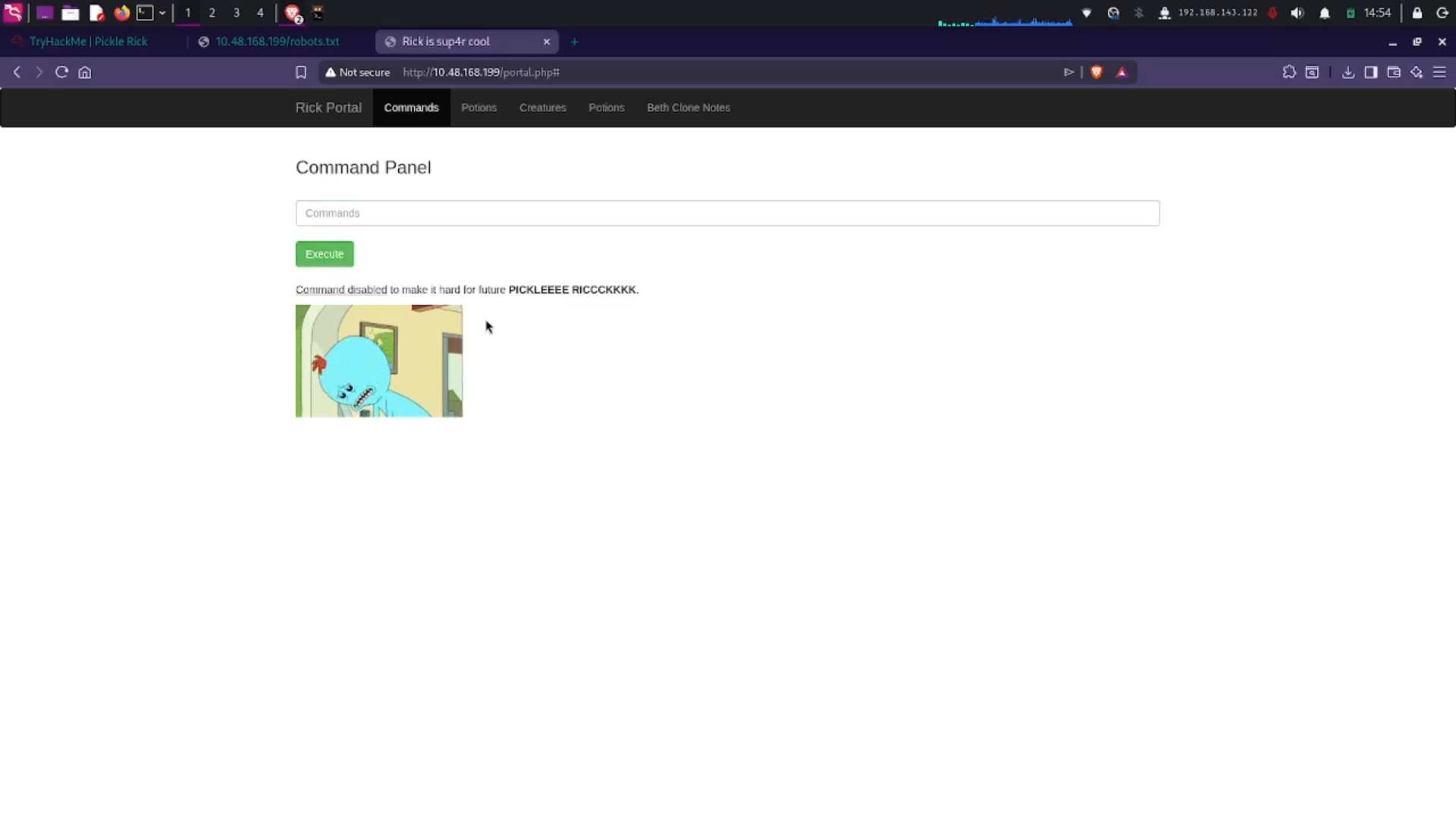
It seemed like there was a little challenge here. I tried different commands like head, tail, echo $(cat ...), and finally less worked.
That gave me 1 out of 3 ingredients (flags).
less Sup3rS3cretPickl3Ingred.txtI kept messing around with the command panel and ran:
sudo -lWhich returned:
Matching Defaults entries for www-data on ip-10-48-168-199:
    env_reset, mail_badpass, secure_path=/usr/local/sbin:/usr/local/bin:/usr/sbin:/usr/bin:/sbin:/bin, use_pty

User www-data may run the following commands on ip-10-48-168-199:
    (ALL) NOPASSWD: ALL
At this point, it became child’s play. I simply ran:
sudo less /home/rick/flag.txt
sudo less /root/flag.txt
And got both the user and root flags.